Cozy Lucky Scoop Order November 2026 New Designs Update
Official update celebration window, cosmetics-focused themes, and a post-patch checklist for Beta scoopers.
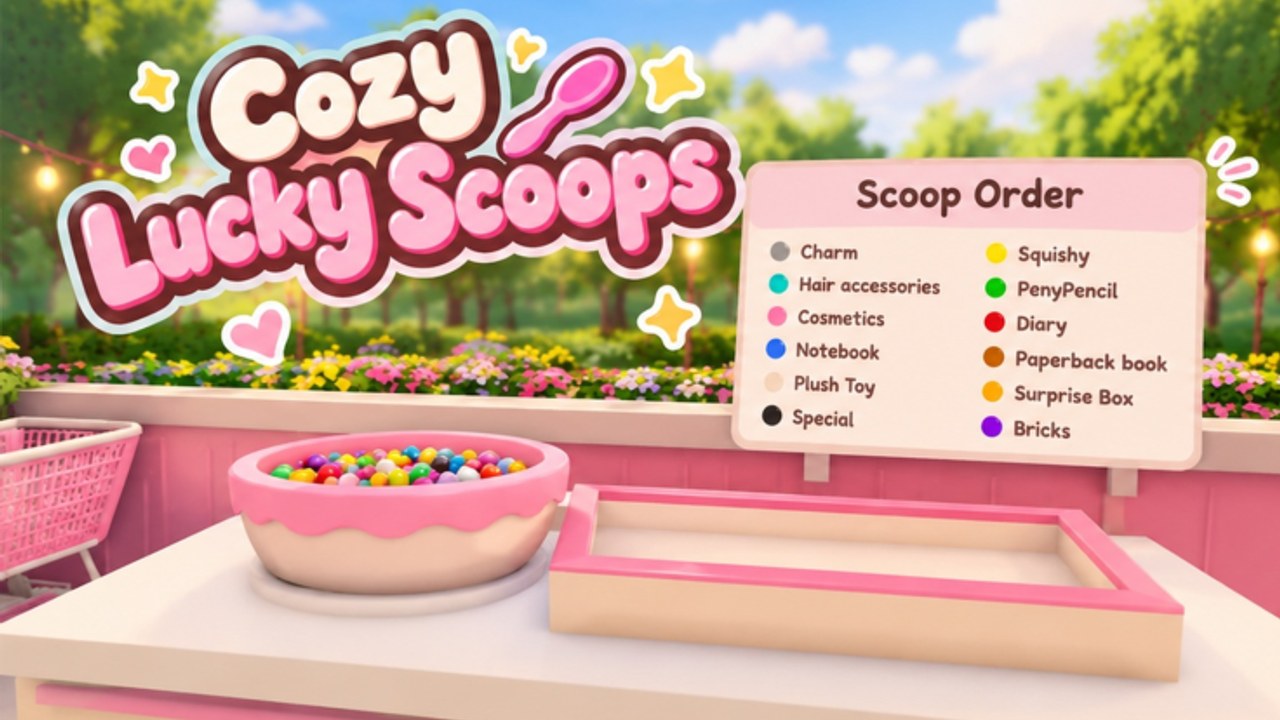
Cozy Lucky Scoop Order received a mid-November 2026 update celebration centered on new designs. Sakura Game Studios framed the moment as a short live event rather than a giant systems overhaul. This page records the verified window, what “new designs” means in practice for a Scoop → Pack → Ship Beta, and the checklist every player should run after cosmetics-oriented patches.
Do not confuse this experience with unrelated “Lucky Scoop” titles. This wiki covers Cozy Lucky Scoop Order only (Sakura Game Studios, Roblox universe tied to place 70976799643592).
Exact event window (UTC)
Community and AbuseTime-style trackers aligned with official event messaging on this schedule:
- Starts: Friday, November 13, 2026 at 5:00 PM UTC
- Ends: Sunday, November 15, 2026 at 2:00 PM UTC
- Theme / call to action: “Check out new designs”
The Roblox experience itself also showed an update timestamp around November 13, 2026 ~19:02 UTC, which lines up with the start of the celebration. Live stats around November 14, 2026 sat near ~15.8k playing, ~16.87 million visits, and ~119k favorites. Numbers move hourly; use them as context, not as permanent facts.
If you join after the weekend closes, the event banner may disappear even though the new cosmetics and UI polish remain. Always verify the live Roblox page and in-game banners instead of relying only on screenshots.
What “new designs” usually means here
This update wave was design / cosmetics oriented. Expect fresh looks rather than invented combat systems or a rewritten economy. In Cozy Lucky Scoop Order that typically touches:
- Shop floor props, shelves, and display pieces
- Garden furniture, paths, and decorative sets
- UI chrome, icons, or menu polish that changes where buttons sit
- Visual refresh of scoopable products or packing presentation without changing the core loop
The loop stays the same: Scoop → Pack → Ship, claim daily rewards, hunt mini gifts, and climb order badges at 1 / 10 / 25 / 50 / 100 / 250 / 500 / 750 / 1000. Cosmetics make the fantasy feel new; they do not replace capacity upgrades or careful packing.
How to verify the update on Roblox
- Open the official experience: Cozy Lucky Scoop Order on Roblox.
- Confirm you are on the Sakura Game Studios place — not a lookalike scoop title.
- Read the experience description, event banner, and any “NEW UPDATE” chip while the Nov 13–15 window is live.
- Join once, wait for full load, then walk your shop and garden before you spend currency.
- Cross-check this page and the parent Updates Hub if social posts conflict with what you see in-client.
Avoid random Discord “patch note” pastes that invent systems this event never promised. If a claim is not visible in-game or on the Roblox page, treat it as rumor.
Beta post-cosmetics checklist
After any design-heavy patch, run this short ritual before a long shipping grind:
Shop and garden looks
Walk every aisle and outdoor path. New props can block old routes or hide mini gift spots. Reposition shelves if a fresh piece sits in your scoop-to-pack lane. Details and spending priorities live in Shop and Garden.
UI and menus
Open the main menu, daily claim flow, customize panels, and any feedback button. Cosmetics updates sometimes move icons. If a button vanished, rejoin once before assuming a feature was removed.
Re-claim dailies
Timers and claim UIs can hiccup across patches. Open Daily Rewards habits immediately: claim, then do a short mini gift lap, then ship. Do not skip free progress because the shop looks prettier.
Recheck codes (still none)
Design celebrations are a common moment for thank-you codes in other Roblox cosies — this one still did not add working promo codes as of mid-November 2026. Confirm on the Codes hub before trusting screenshot lists.
Scripts may break
Client injectors often fail after place updates. If you use unofficial tooling, re-test carefully on an alt and read Scripts. Prefer manual Scoop-Pack-Ship on any account you care about. The Nov 13 update is exactly the kind of change that soft-breaks Auto Orders toggles.
Friends and busy servers
Event weekends spike concurrency. Servers still hold about twelve players; you can play solo or with up to three friends. Agree on scoop / pack / ship roles so decoration tourism does not stall tickets. See the Players Hub for co-op etiquette when lobbies feel crowded.
What not to invent about this patch
This wiki will not invent detailed systems patch notes beyond the official new designs celebration theme. If Sakura Game Studios later publishes a fuller changelog, we will expand child pages. Until then:
- Do not assume new badge milestones
- Do not assume new codes
- Do not assume combat, races, or unrelated genres bolted on
- Do not merge news from other scoop games into this timeline
Play plan for the event weekend
- Join during the Nov 13–15 UTC window if you want the live banner and social moment.
- Screenshot favorite new looks, then clear floor space for shipping.
- Claim dailies and hunt gifts without abandoning orders.
- Spend on capacity first if trips still feel short — cosmetics second.
- Push a focused badge block; event hype is a great time to move from 25 → 50 or 50 → 100.
- Skim Getting Started if UI changes confuse a returning friend.
Related reading
- Updates Hub — Beta timeline and how we track news
- Shop and Garden — decorate without blocking the line
- Codes — still empty; bookmark for future drops
- Scripts — re-test after November 13 changes
- Daily Rewards — reclaim after patches
- Getting Started — loop refresh for returning players
- Players — co-op during crowded update nights
Enjoy the fresh designs, keep the Scoop-Pack-Ship line clear, and treat this weekend as a cosmetics celebration inside an ongoing Beta — not a rewrite of the cozy shop fantasy.
Frequently Asked Questions
Quick answers about scooping, packing, shipping, and Beta progress.
When is the November 2026 new designs event?
Friday, November 13, 2026 at 5:00 PM UTC through Sunday, November 15, 2026 at 2:00 PM UTC. Confirm live banners on the official Roblox page.
What did the update actually change?
Official messaging focused on checking out new designs — cosmetics and presentation polish for the shop and garden fantasy. It is not framed as a full systems rewrite.
Did the new designs update add promo codes?
No. As of mid-November 2026 there are still no working codes. Recheck the Codes hub after future patches.
Should I re-claim daily rewards after the patch?
Yes. Always reopen the daily claim flow after updates, then resume Scoop-Pack-Ship. See Daily Rewards.
Will scripts still work after November 13?
Maybe not. Re-test unofficial hubs on an alt after place updates. Read safety notes on Scripts before injecting anything.
Is this the same game as Lucky Scoop Order by Twinkle Bloom?
No. This wiki covers Cozy Lucky Scoop Order by Sakura Game Studios only. Do not mix patch notes between different scoop titles.